

-
Navigate to Settings > Members

- Select Reset 2FA for your user
-
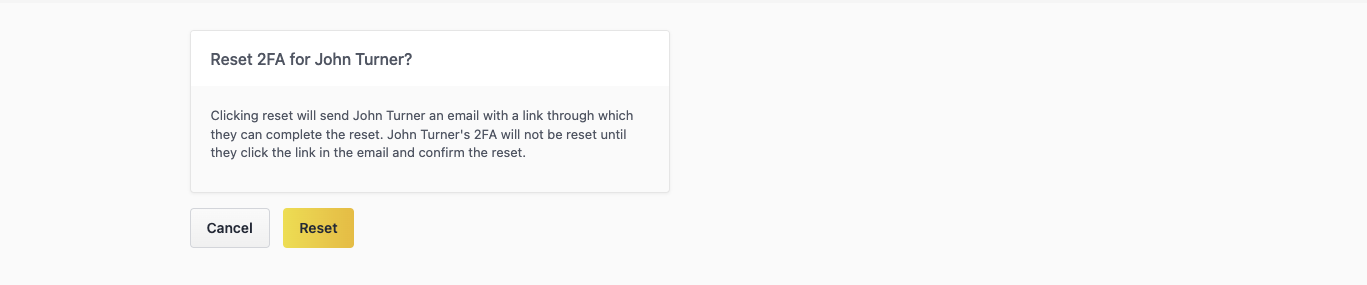
Select Reset on the confirmation page
-
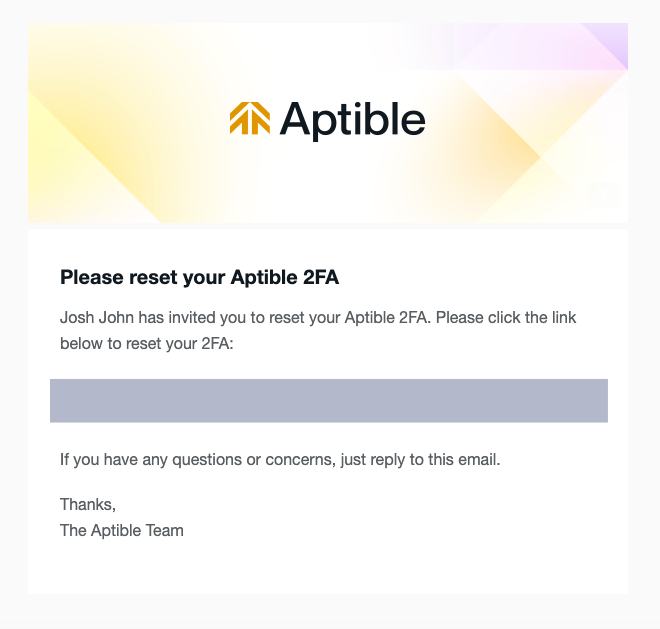
Click the link in the 2FA reset email you receive.
-
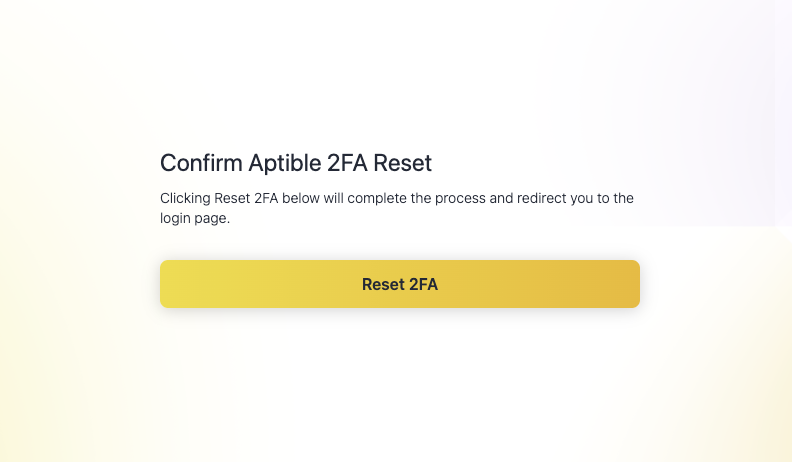
Complete the reset on the confirmation page.
- Log in with your credentials.
- Enable 2FA Authentication again in the Dashboard by navigating to Settings > Security Settings > Configure 2FA.